
Download Image Generator AI – AI Image Generation, Artistic Style Selection, Instant Download & Sharing
Overview
Image Generator AI is a mobile application designed to empower users with the ability to transform simple text prompts into visually compelling images using artificial intelligence. The app targets designers, content creators, and individuals seeking to explore their creative potential without requiring advanced design skills. By leveraging AI-driven image synthesis, it enables users to generate high-quality visuals quickly, making it a valuable tool for brainstorming, social media content creation, and personal artistic expression.
The app’s primary purpose is to lower the barrier to entry for visual content creation, allowing anyone with an idea to bring it to life in seconds. Its real-world applications include generating concept art, designing thumbnails, creating unique digital illustrations, and producing visual assets for blogs or marketing materials. The developer did not provide additional technical details about the underlying AI model or training data.
However, the app’s focus on speed, ease of use, and style customization suggests a well-optimized tool tailored for mobile environments. In the broader app ecosystem, Image Generator AI fills a growing niche for accessible, on-the-go creative tools, aligning with the increasing demand for AI-powered utilities that enhance productivity and self-expression on smartphones.
Key Features & Functionality
- AI Image Generation: Users can input text prompts to generate original images in seconds. The AI interprets descriptive language and translates it into coherent visual outputs, enabling creative experimentation without manual design.
- Artistic Style Selection: The app offers a range of predefined artistic styles—such as realism, abstract, surrealism, and digital painting—allowing users to tailor the aesthetic of their generated images to specific needs or preferences.
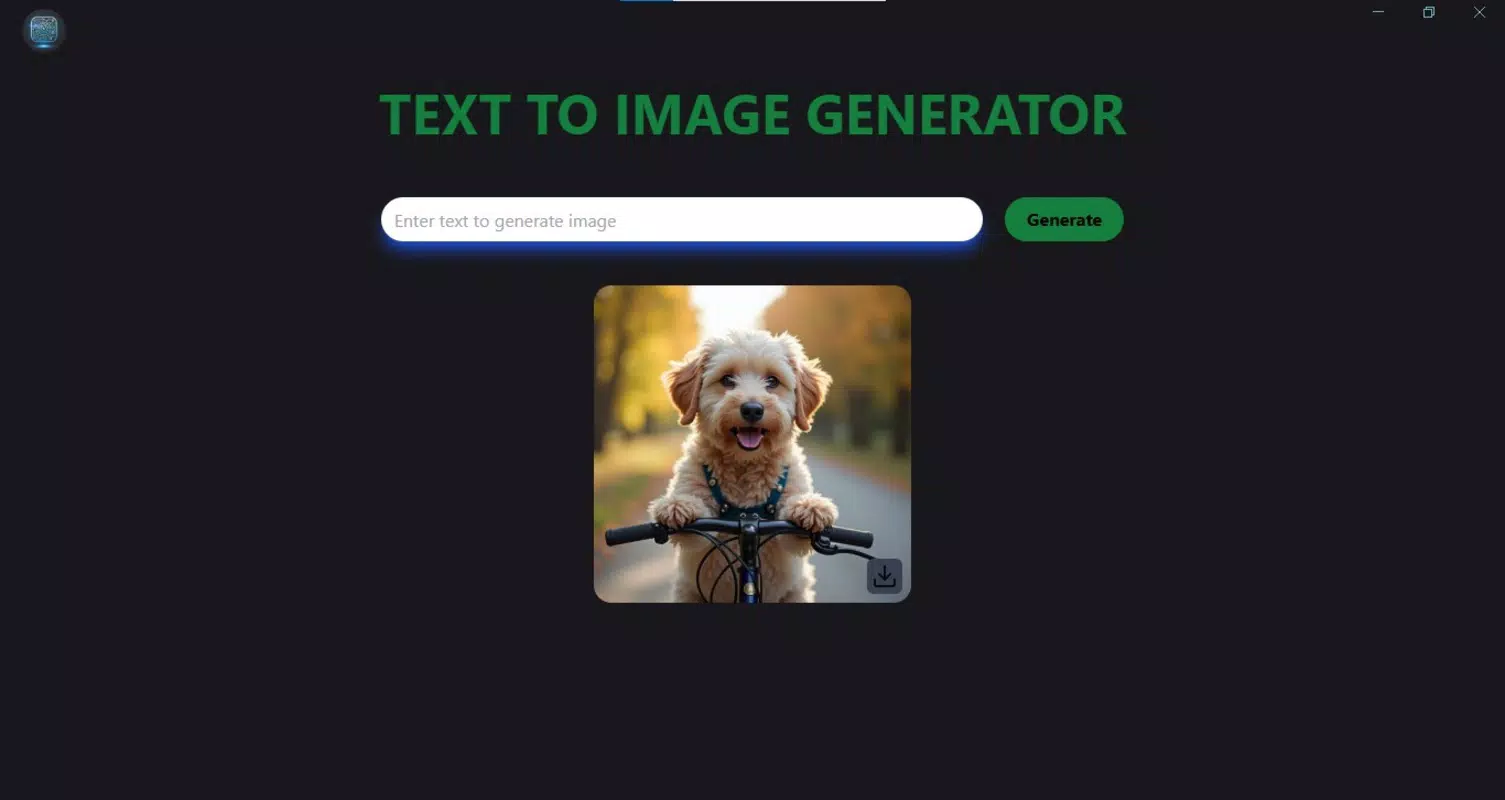
- Instant Download & Sharing: Once an image is generated, users can download it directly to their device or share it instantly via messaging apps, social media platforms, or cloud services, streamlining the content distribution process.
- User-Friendly Interface: Designed with accessibility in mind, the interface features minimalistic navigation, clear input fields, and intuitive controls, making it suitable for beginners and experienced users alike.
- Fast & Efficient Processing: The app is optimized for rapid image generation, delivering results with minimal delay, which enhances workflow efficiency and supports real-time creative iteration.
For example, a social media manager could use the app to generate a unique post visual by typing “a futuristic cityscape at sunset with flying cars,” then select the “cyberpunk” style and share it immediately. Similarly, an artist exploring new concepts might use the app to visualize abstract ideas quickly, using different styles to test variations. These features collectively support a seamless creative workflow, making the app ideal for users who need fast, reliable visual output without the complexity of traditional design software.
Interface, UX & Performance
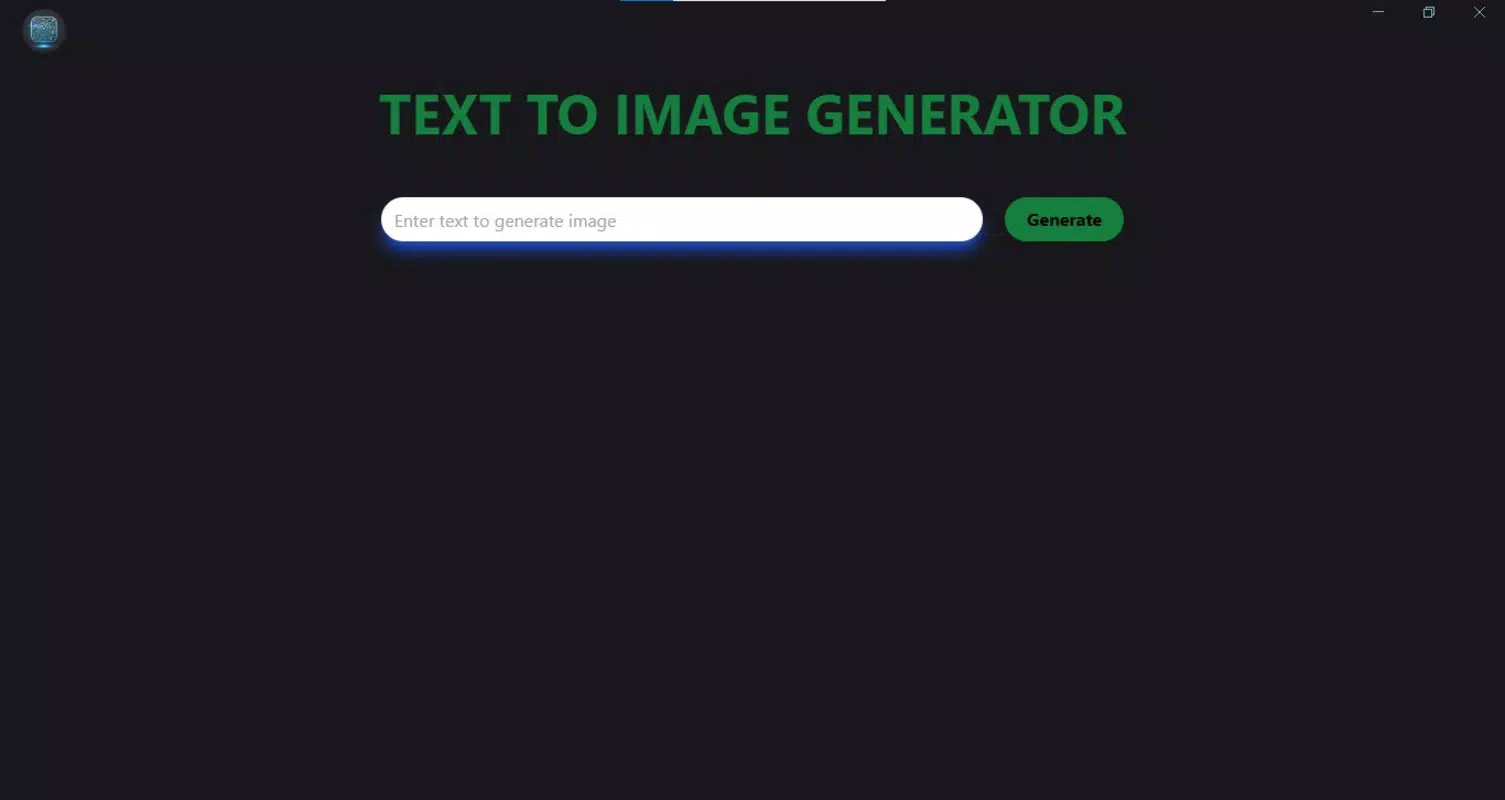
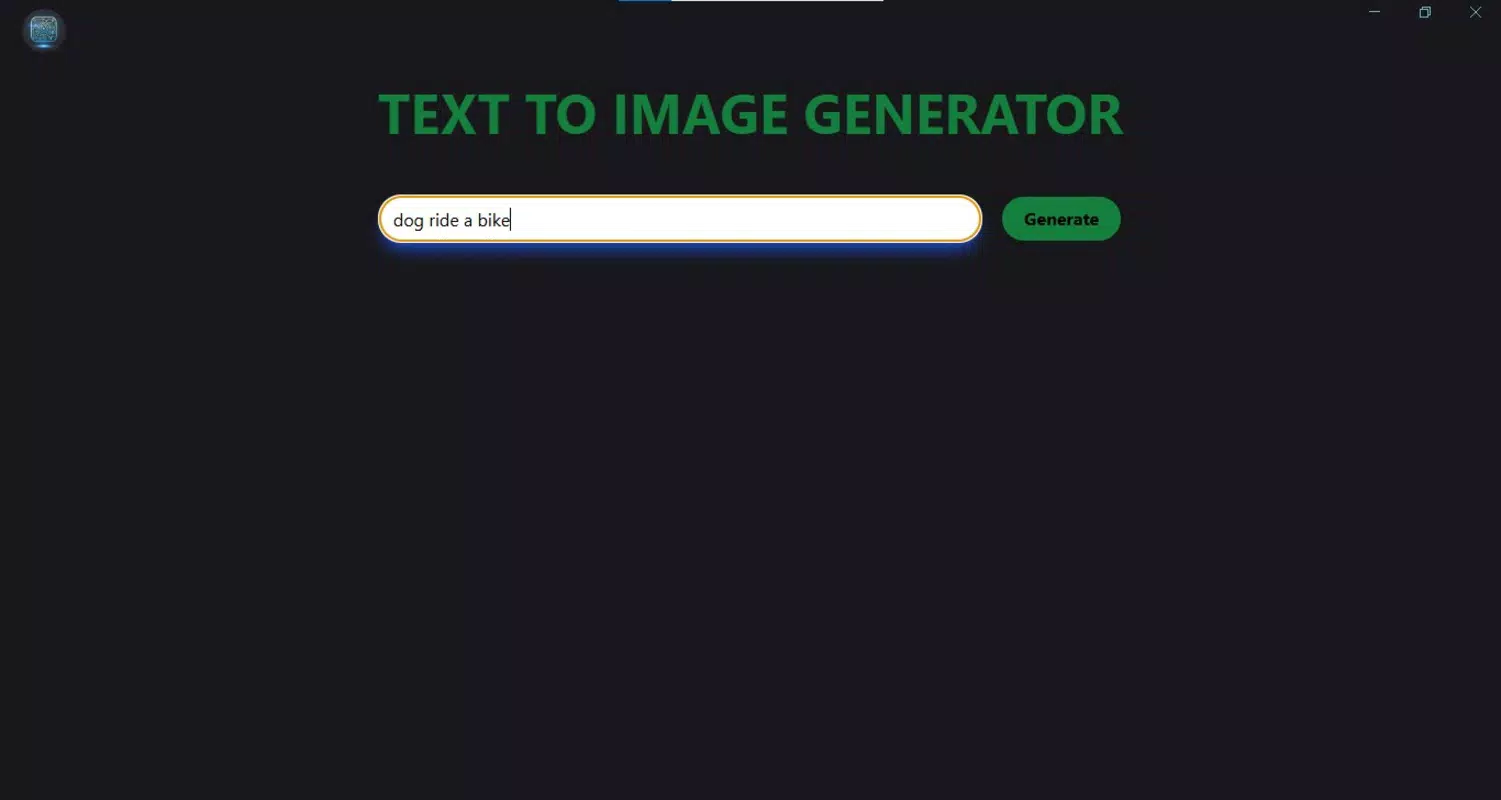
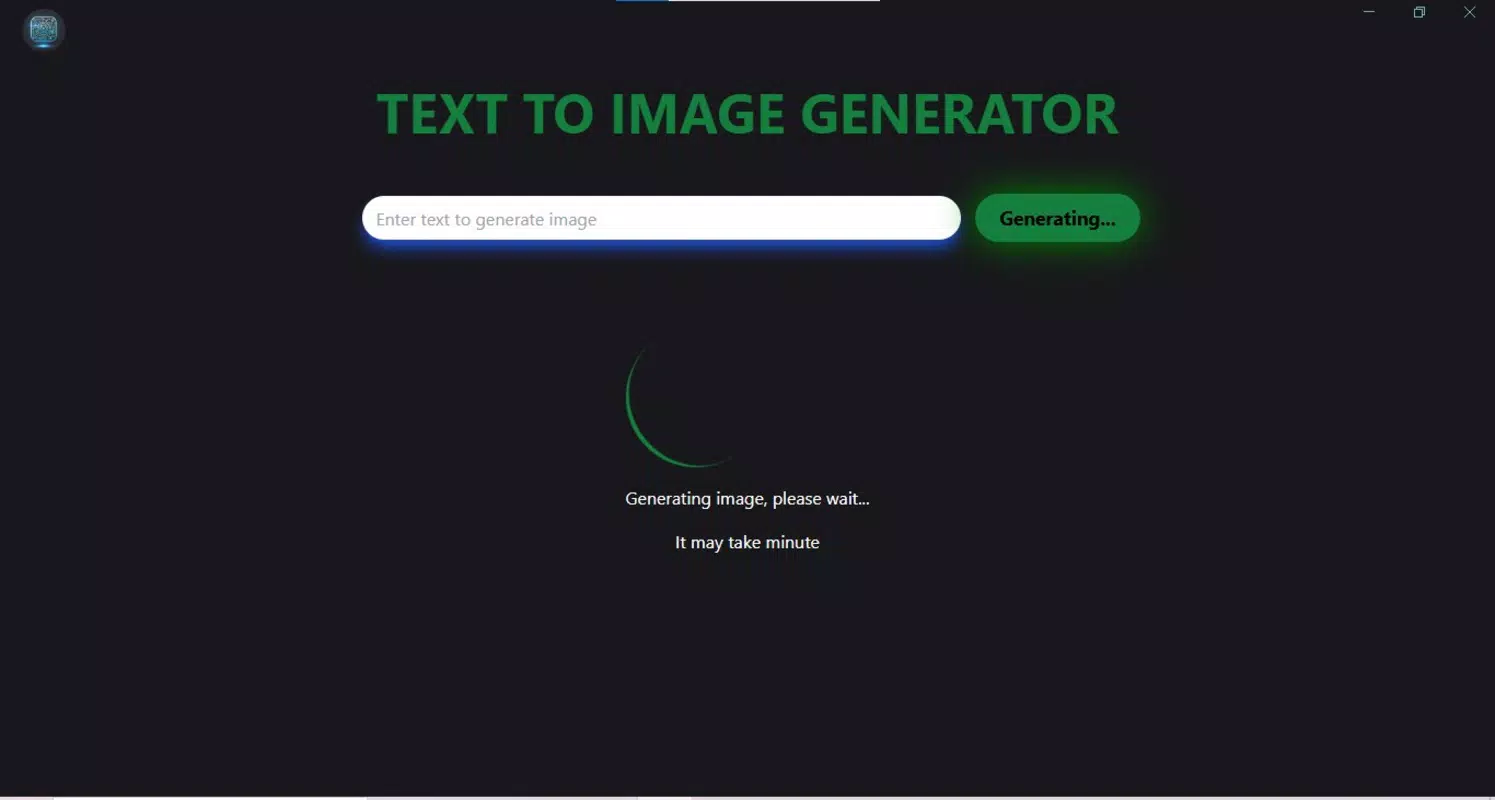
The user interface of Image Generator AI is designed with clarity and simplicity as core principles. The layout centers around a central input field where users type their text prompts, flanked by intuitive controls for style selection and image generation. Visual feedback is provided during processing, such as loading indicators or progress bars, enhancing user awareness of the app’s status.
Navigation is linear and consistent across screens, minimizing user confusion. The visual style emphasizes clean typography, soft color accents, and responsive touch elements, contributing to a modern and professional appearance. Although the developer did not list formal performance metrics, the app’s emphasis on speed suggests efficient background processing.
Users can expect consistent responsiveness across mid-range and high-end devices, though performance may vary depending on hardware capabilities. Stability appears to be a priority, as the app allows repeated generation attempts without crashes or data loss. The app maintains smooth transitions between screens and handles image rendering without noticeable lag under typical usage.
While specific details on memory usage or battery impact were not disclosed, the overall experience reflects a polished, user-focused design. The absence of intrusive ads or excessive permissions further supports a clean and focused user experience.
Platform Compatibility & Technical Requirements
Image Generator AI is available for mobile platforms, though the specific operating system (Android or iOS) was not disclosed. The app’s file size and software version were also not provided in the input. The developer did not specify minimum OS requirements or device compatibility details.
As such, users should consult their device’s app store for availability and installation instructions. The app’s design suggests it is optimized for touchscreen interaction, making it suitable for smartphones and tablets. Compatibility with older device models was not confirmed.
The release date of the app is March 24, 2025, indicating it is a recently launched tool in the AI content creation space. Users should ensure their device meets the platform’s standard requirements for running modern mobile applications. For the most accurate information, users are advised to check the official app listing on their respective app store.
Pros and Cons
Pros
- Fast image generation from simple text prompts
- Wide variety of artistic styles for customization
- Intuitive interface suitable for all skill levels
- Instant download and sharing capabilities
- Designed for on-the-go creative workflows
Cons
- Specific technical specifications were not disclosed
- Compatibility with older devices was not confirmed
- No information on AI model training data or ethical sourcing
- Performance on low-end devices was not tested or reported
- Details on image resolution or export quality were not provided
FAQ
Is Image Generator AI available for both Android and iOS?
The app’s platform availability was not specified in the provided information. Users should check their device’s app store for current availability.
How secure is the app when generating images from text prompts?
The developer did not disclose data handling policies or security measures. Users are advised to avoid entering sensitive or confidential information in prompts.
Can I use Image Generator AI without an internet connection?
Based on the app’s reliance on AI processing, it likely requires an active internet connection to function. Offline capabilities were not confirmed.
Are there any in-app purchases or subscription fees?
Information about pricing models or monetization strategies was not provided. Users should review the app’s store listing for current pricing details.
How often is the app updated?
Release date information indicates the app launched on March 24, 2025. The update frequency was not disclosed.
Final Thoughts + CTA
Image Generator AI stands out as a streamlined, AI-powered tool that brings creative visualization within reach of everyday users. Its ability to generate high-quality images from text prompts, combined with style customization and instant sharing, makes it a practical asset for content creators, designers, and hobbyists. The app’s focus on simplicity and speed enhances usability across diverse skill levels, while its mobile-first design supports on-the-go creativity.
Although specific technical details remain undisclosed, the app’s core functionality is clearly defined and well-executed. For those seeking a reliable, accessible way to generate visual content without design expertise, Image Generator AI delivers real value. Whether you're crafting social media visuals, brainstorming ideas, or exploring digital art, this app offers a powerful yet intuitive solution.
Download Image Generator AI now.


